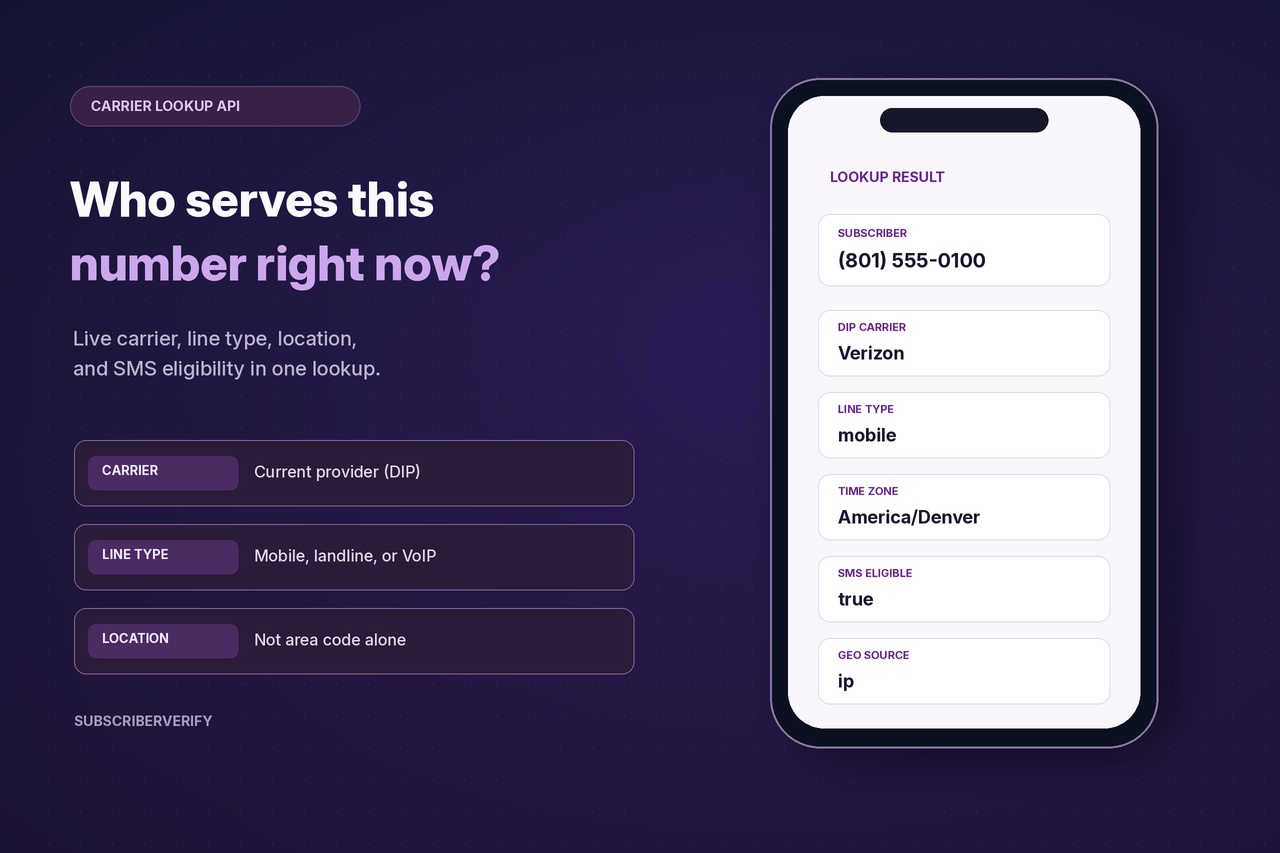
Verified from our docs
A sample request and response
This pair is copied from the public API documentation
(DIP + landline SMS eligibility example). Replace YOUR_API_KEY with the key from your dashboard.
The phone number is the example used in the docs, not a live lookup. Form POST and JSON POST are also accepted; those request bodies are in the docs.
Request (HTTPS GET)
https://api2.subscriberverify.com/api?key=YOUR_API_KEY&phone=8015550100&landlinesmslookup=1
Example response
{
  "subscriber": "8015550100",
  "action": "send",
  "deliverable": "true",
  "smsEligible": "true",
  "nanpType": "mobile",
  "dip": "success",
  "dipCarrier": "Verizon",
  "dipCarrierType": "mobile",
  "dipMessagingLookup": "true",
  "dipMessagingEnabled": "true",
  "dipMessagingProvider": "Example Messaging Provider",
  "geoState": "UT",
  "geoSource": "area-code",
  "timezone": "America/Denver"
}
This example did not include an ip, so geoSource is area-code.
The standard lookup in the docs adds ip (the opt-in address) to improve geolocation.
SubscriberVerify's location algorithm doesn't rely only on the area code. It can use other data, such as the opt-in IP address, and the response tells you which source it used.